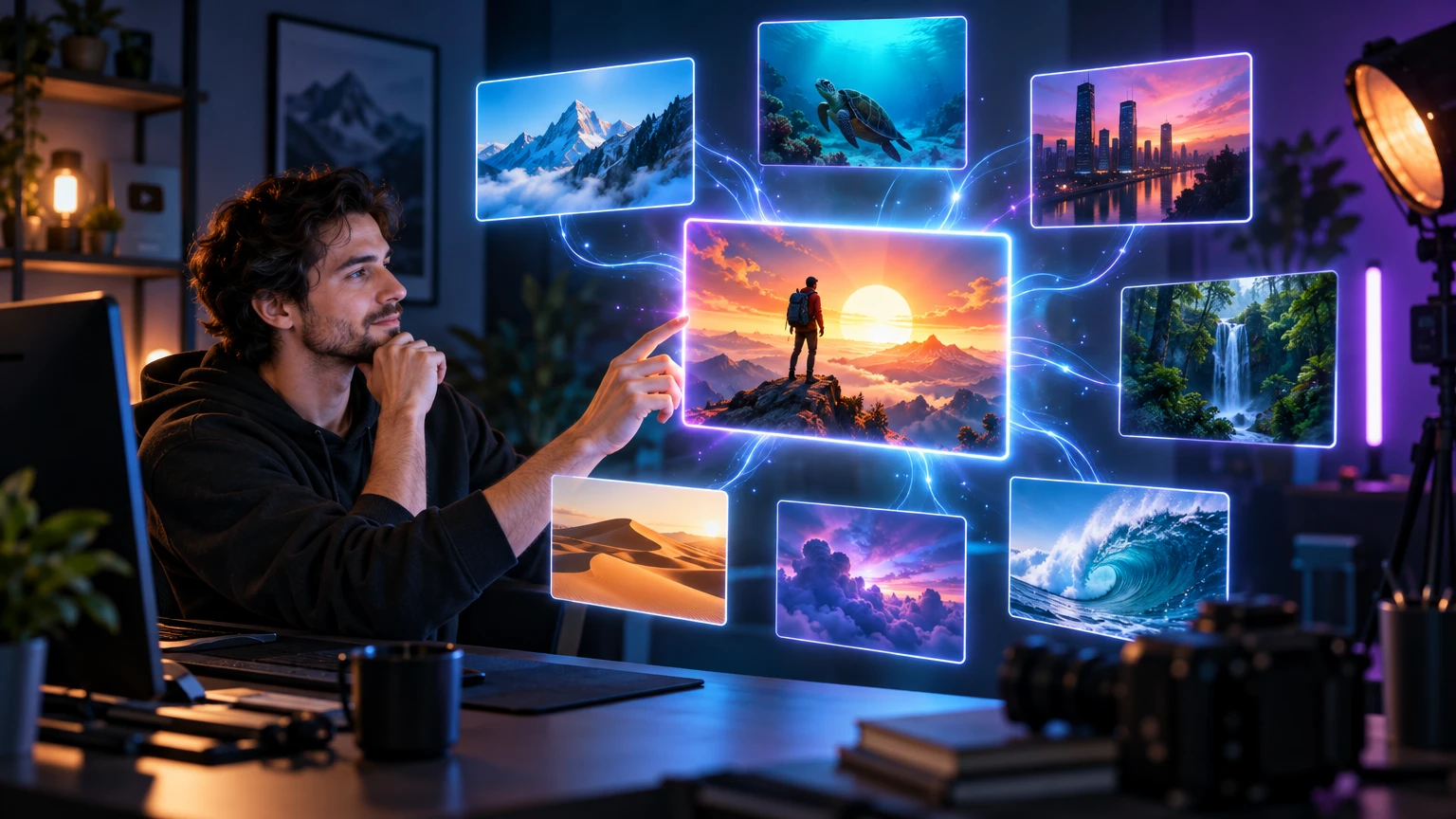

AI gives you options; your channel needs decisions
AI thumbnail tools can move quickly from a video premise to several visual directions. That speed is useful when you are stuck, but a channel can feel scattered if every generation follows a different color palette, subject scale, or visual mood. Consistency does not mean making every thumbnail identical. It means repeating a few recognizable choices.
Before generating a new image, write down what viewers should recognize across your channel. It might be a direct close-up subject, a restrained dark background, one electric accent color, a strong diagonal, or a clear result-first composition. These rules become your channel’s visual filter.
- Choose the feeling viewers should associate with the channel.
- Define two or three repeatable visual decisions.
- Keep the video-specific idea more important than the template.
- Use AI to explore inside the system instead of resetting the system every time.
Build a small channel visual system
A useful system has fewer rules than a brand manual. Start with subject framing, background behavior, accent color, and optional type treatment. For example, a technology channel might use a large object or face, a quiet charcoal background, one cyan highlight, and short uppercase text only when the visual needs clarification.
Do not choose rules because they look fashionable in isolation. Choose rules that survive the topics you actually publish. A travel channel needs a system that works with landscapes and people. A gaming channel needs one that can separate characters from busy worlds. An education channel needs space for a result or process.
- Subject rule: decide how large and how close the main subject usually appears.
- Color rule: choose a dominant neutral and one or two accents.
- Background rule: define when the environment is detailed and when it becomes quiet.
- Text rule: decide whether text is optional, short, and placed in a predictable area.
Write prompts that preserve the identity
A strong AI prompt separates the video-specific idea from the channel-specific visual language. Describe the story first, then repeat the system rules. This prevents the model from treating every new topic as a completely new brand. Include the intended subject, hierarchy, lighting, palette, negative space, and the elements that must not appear.
Keep a reusable style paragraph and change only the content brief for each upload. Review the result rather than trusting the prompt blindly. AI can follow a direction while still making a focal subject too small, adding unnecessary detail, or inventing a visual claim that does not belong to the video.
- Content brief: what is this particular video about?
- Channel system: what should look familiar from the previous uploads?
- Composition: what must the viewer notice first?
- Exclusions: which colors, objects, logos, or effects should not appear?
Use a reference library without copying
Save a small set of your own approved thumbnails as references for decisions, not as images to imitate literally. Study the common subject scale, contrast, spacing, and color relationships. The point is to understand your own visual pattern and apply it to a new story.
Avoid building a channel identity from another creator’s recognizable style, face, logo, or recurring composition. A strong system can be inspired by design principles such as editorial contrast, cinematic lighting, or minimal framing without copying a living creator or a protected brand.
- Keep references from your own approved work.
- Compare structure and hierarchy, not just surface effects.
- Replace copied details with your own subject, palette, and channel promise.
- Remove recognizable third-party logos and trademarked assets before publishing.
Review a generated thumbnail against the channel grid
A thumbnail can look good alone and still feel wrong beside the rest of the channel. Place the new frame next to several recent uploads and ask whether the eye can recognize the family resemblance. Then ask whether the new video still has a distinct focal idea. Consistency should make the channel easier to scan, not turn every upload into the same picture.
Review the image at small size, in grayscale, and beside the title. If the brand accent is doing all the work, strengthen the subject and promise first. If the image feels unrelated, bring back one familiar rule rather than adding every old style choice at once.
- Does the new thumbnail belong beside the last six uploads?
- Is the channel accent visible without overpowering the story?
- Does this upload still have a unique visual reason to click?
- Would a returning viewer recognize the channel before reading the title?
Create a repeatable AI review loop
The most reliable workflow is brief, generate, compare, simplify, and review. Generate more than one direction when the idea is uncertain, but do not keep every option. Choose the frame that communicates the video most honestly, then refine the visual decisions that belong to your channel.
Save the approved result and the decisions behind it: subject scale, accent color, background treatment, and whether text was necessary. Over time, this library becomes more valuable than a collection of random prompts. It gives the next generation a clearer starting point and helps the channel evolve without losing recognition.
Put this guide into practice
Use these TubNexa tools and related guides to turn the idea into a clearer thumbnail decision.
- Try the AI thumbnail generatorTurn a video premise into a visual direction before choosing the final frame.
- Build a YouTube channel brand kitCreate coordinated channel assets that support a consistent visual identity.
- Review the finished thumbnailCheck clarity, contrast, hierarchy, and mobile readability before publishing.