Choose the moment before you choose the layout
A full episode and a short clip do not always need the same thumbnail. Start by naming the moment a viewer should care about: a surprising answer, a disagreement, a useful lesson, or a guest’s unusual experience. That moment is the visual brief.
If the episode covers several topics, avoid trying to represent all of them at once. Pick the strongest conversation thread and let the title provide the remaining context. One specific promise is easier to understand than a collage of microphones, guests, and symbols.
- Write the episode’s most specific viewer payoff in one sentence.
- Choose one face, object, or exchange that supports that payoff.
- Use a different visual angle for a clip when its promise differs from the full episode.
Give the guest and subject a clear hierarchy
A recognizable guest can help viewers identify an interview, but the guest should not automatically take over the whole frame. Size the face according to the story: feature the guest when their identity matters, or give more space to an object or result when that is the real subject.
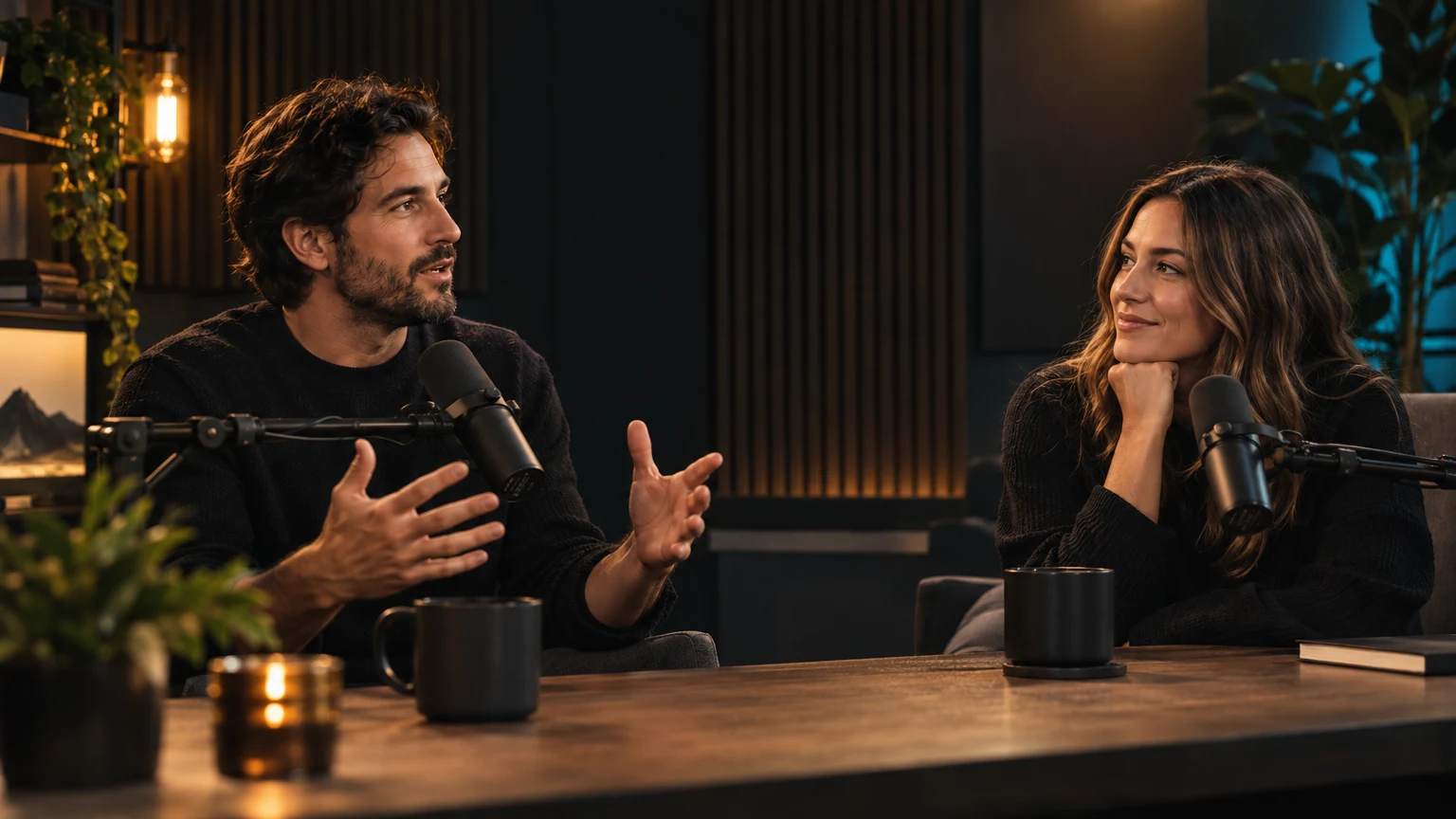
For two-person conversations, make the relationship easy to read. Use distinct positions, expressions, or eye-lines instead of placing two equal portraits side by side with no visual connection. A host and guest should feel like part of one moment.
Make the episode angle visible
A microphone tells viewers that a conversation is happening, but it rarely explains why this conversation is worth watching. Pair the person with a visual clue about the idea: a physical object, a simple before-and-after, a setting, or a clear contrast between two positions.
If you add words, use a short phrase that adds an angle rather than repeating the episode title. A question, consequence, or unexpected point of view can make the frame more specific. Keep claims faithful to what the guest actually said.
- Prefer one clear prop or visual metaphor over a row of podcast equipment.
- Keep the phrase short enough to scan on a phone.
- Avoid quoting a guest in a way that changes the meaning of their answer.
Use lighting and color to separate the speakers
Podcast studios often contain dark equipment and busy backgrounds. Separate faces from the set with a clean key light, a restrained background accent, or a quieter wall behind the most important expression. The goal is clear facial detail, not maximum neon.
Keep a consistent color cue for the show, then let the episode topic influence the rest of the palette. A repeated frame treatment can help returning viewers recognize the podcast, while changing the subject, expression, or accent keeps each upload distinct.
Review the thumbnail beside the title
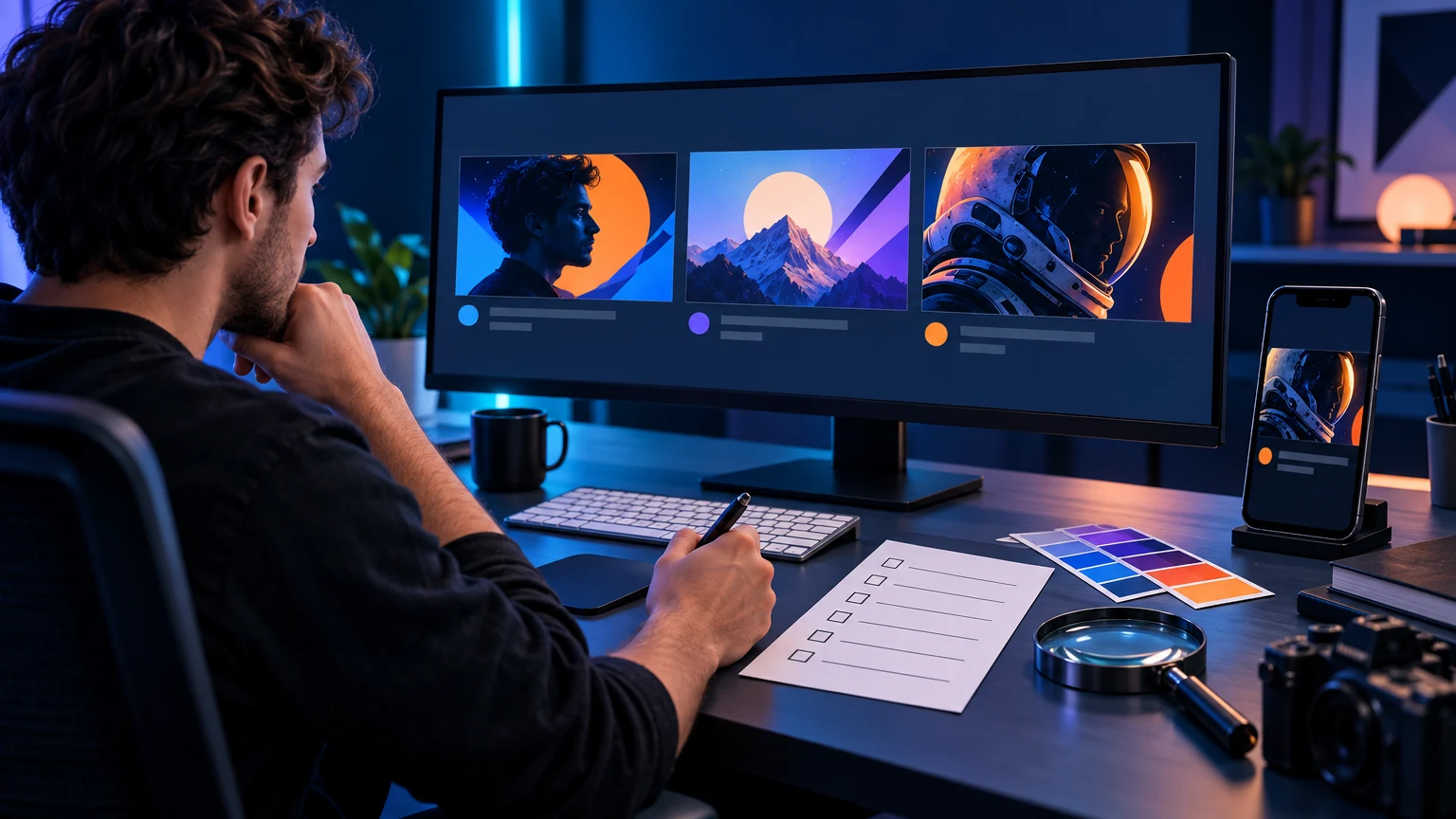
Shrink the design until it looks like a recommendation card on a phone. Check that the face, conversation angle, and any short phrase still make sense. If the image depends on small details from the studio, simplify the background or enlarge the important clue.
Finally, read the thumbnail and title together. They should form one accurate expectation, not repeat the same sentence or promise a dramatic exchange that is absent from the episode. Use the analyzer to check contrast and hierarchy before publishing.
Put this guide into practice
Use these TubNexa tools and related guides to turn the idea into a clearer thumbnail decision.
- Review contrast and mobile readabilityCheck that the guest and episode hook remain clear at feed size.
- Read the thumbnail text guideWrite a short phrase that adds an angle without repeating the title.
- Browse more thumbnail ideasExplore visual approaches for different creator formats.