
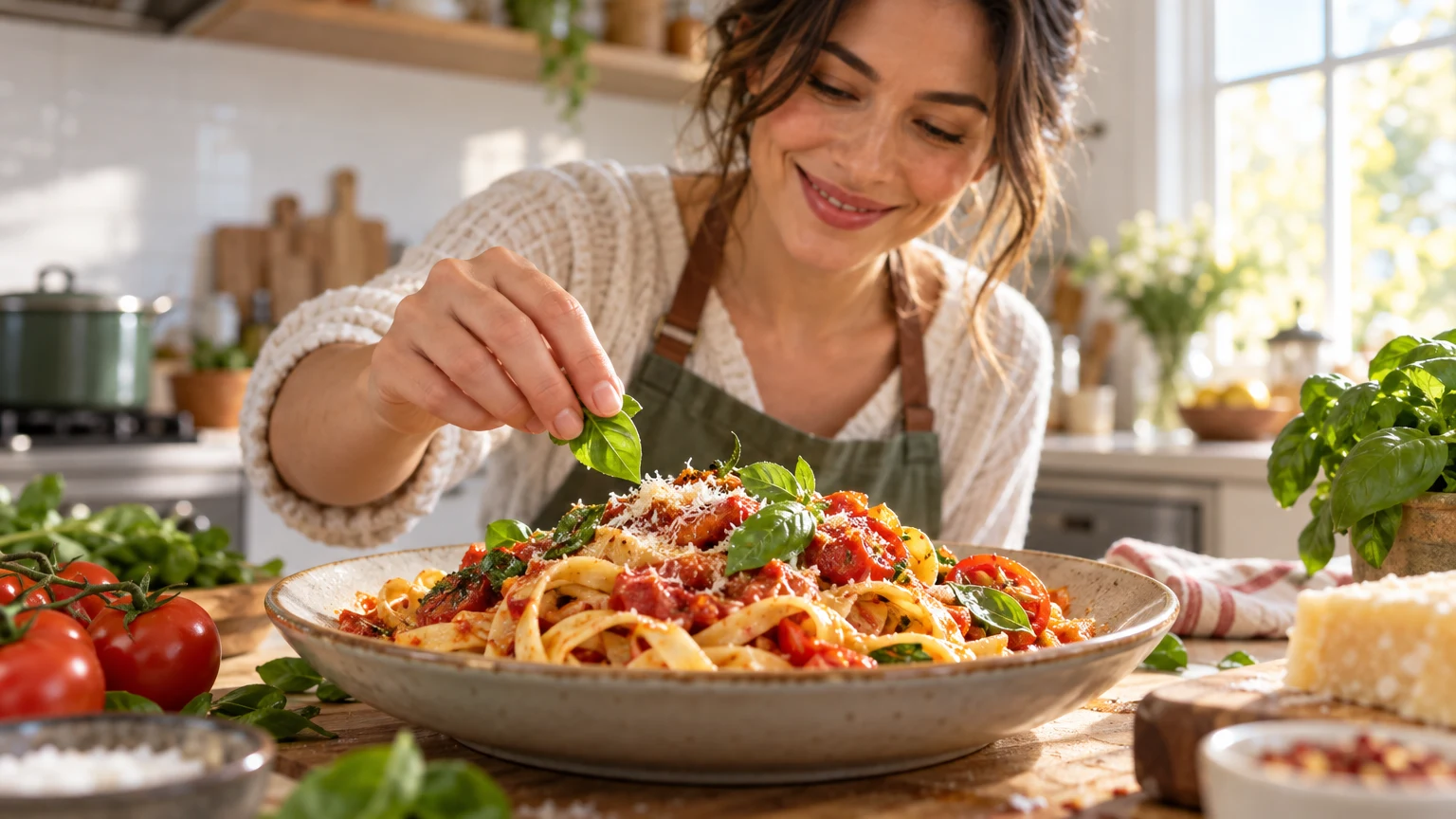
Make the dish the visual subject
Food videos give you a natural focal point: the finished dish, an ingredient, or a visible cooking moment. Choose the one that best represents the video. A finished plate suits a recipe result, while a pan, knife, or unusual ingredient can work when the method is the reason to watch.
Bring the food close enough to recognize its shape and texture, but leave room for useful context. A hand serving a portion, a cut-open center, or a few ingredients can show scale and process without turning the frame into a crowded table.
Use light and texture to make the food clear
Soft directional light helps viewers see the surface of bread, sauce, produce, or a finished plate. Add enough contrast to separate the dish from its plate and background. Strong color can help, but a natural-looking result usually reads more appetizing than saturation pushed until every ingredient glows.
Choose a camera angle that makes the main feature visible. Overhead framing can explain a spread or arrangement; a lower close-up can emphasize height, layers, or a cut surface. Keep the angle consistent with what the video actually teaches or shows.
- Make the main ingredient or finished dish larger than its props.
- Use a simple plate or surface when the food already has many colors.
- Check that highlights do not erase texture or detail.
Add context only when it helps the recipe
A few ingredients, a cooking tool, or a serving hand can tell viewers what kind of recipe they are about to see. Use context to clarify the method or result, not to list every item in the kitchen. The dish should remain the first thing the eye recognizes.
For a transformation, show a meaningful contrast such as raw and cooked, whole and sliced, or a simple preparation step beside the finished result. Keep the comparison honest and visually balanced so the viewer can understand what changed.
Keep text short and secondary
Food thumbnails often work without words because the dish communicates the topic. If a phrase adds useful information, make it brief: a cooking method, a time cue, or a clear question. Do not cover the most appetizing detail with a large headline.
Use a calm patch of background for text and check its contrast at phone-card size. The words should support the image, not compete with the food’s color and texture. If the phrase needs to explain the entire recipe, move that explanation into the title.
Make the promise match the finished video
A thumbnail can make a dish look polished, but it should still represent the recipe viewers will see. Avoid showing ingredients, portions, or a final result that the video does not deliver. A close, appetizing frame is useful when it helps viewers imagine the real result rather than promising a different one.
Preview the image small, compare it with the video title, and make sure the focal dish stays recognizable. Simplify props or adjust the crop if the first glance lands on a napkin, garnish, or background object instead of the food.
Put this guide into practice
Use these TubNexa tools and related guides to turn the idea into a clearer thumbnail decision.
- Review mobile readabilityCheck that the dish and recipe idea stay clear in a small feed card.
- Learn how to use thumbnail backgroundsKeep the setting useful without letting it compete with the food.
- Find more ideas by channel typeAdapt the visual hook to the format of your next upload.