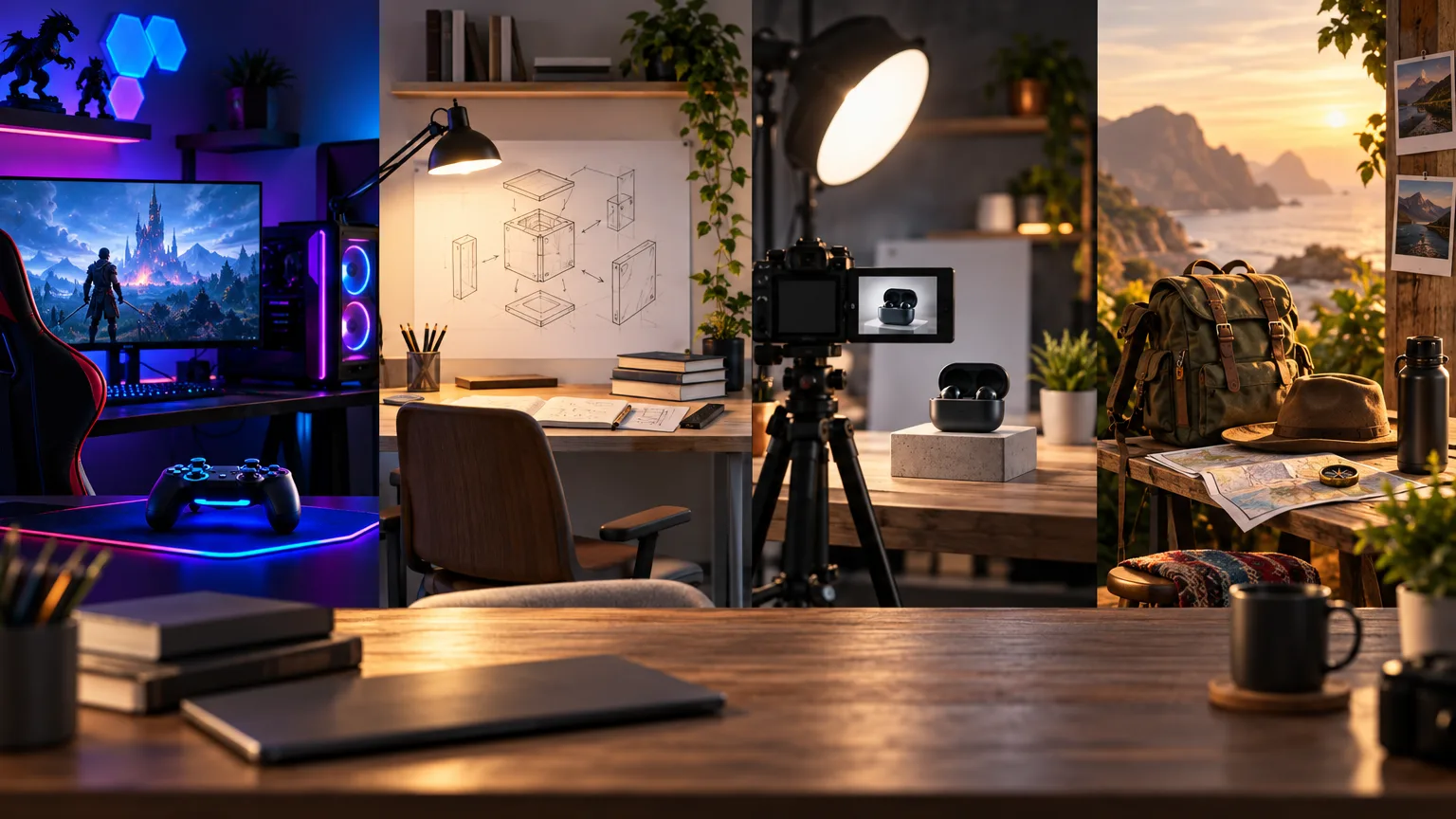
Start with the gaming moment, not the game name
The game is the setting, but the moment is usually the reason to click. A gaming thumbnail can show a boss, a rare item, an impossible challenge, a dramatic loss, a hidden route, or a decision that changed the match. Begin by naming that moment in plain language before choosing colors or effects.
A frame that only shows the game logo or a busy gameplay screenshot asks the viewer to identify the video instead of giving them a reason to watch. Put the stake first. The game world and recognizable visual details should support the moment, not bury it.
- What is at risk in the video?
- What unusual result or discovery will the viewer see?
- Which character, object, or reaction makes that moment visible?
- Can the idea still be understood if tiny game-interface details disappear?
Choose one focal subject
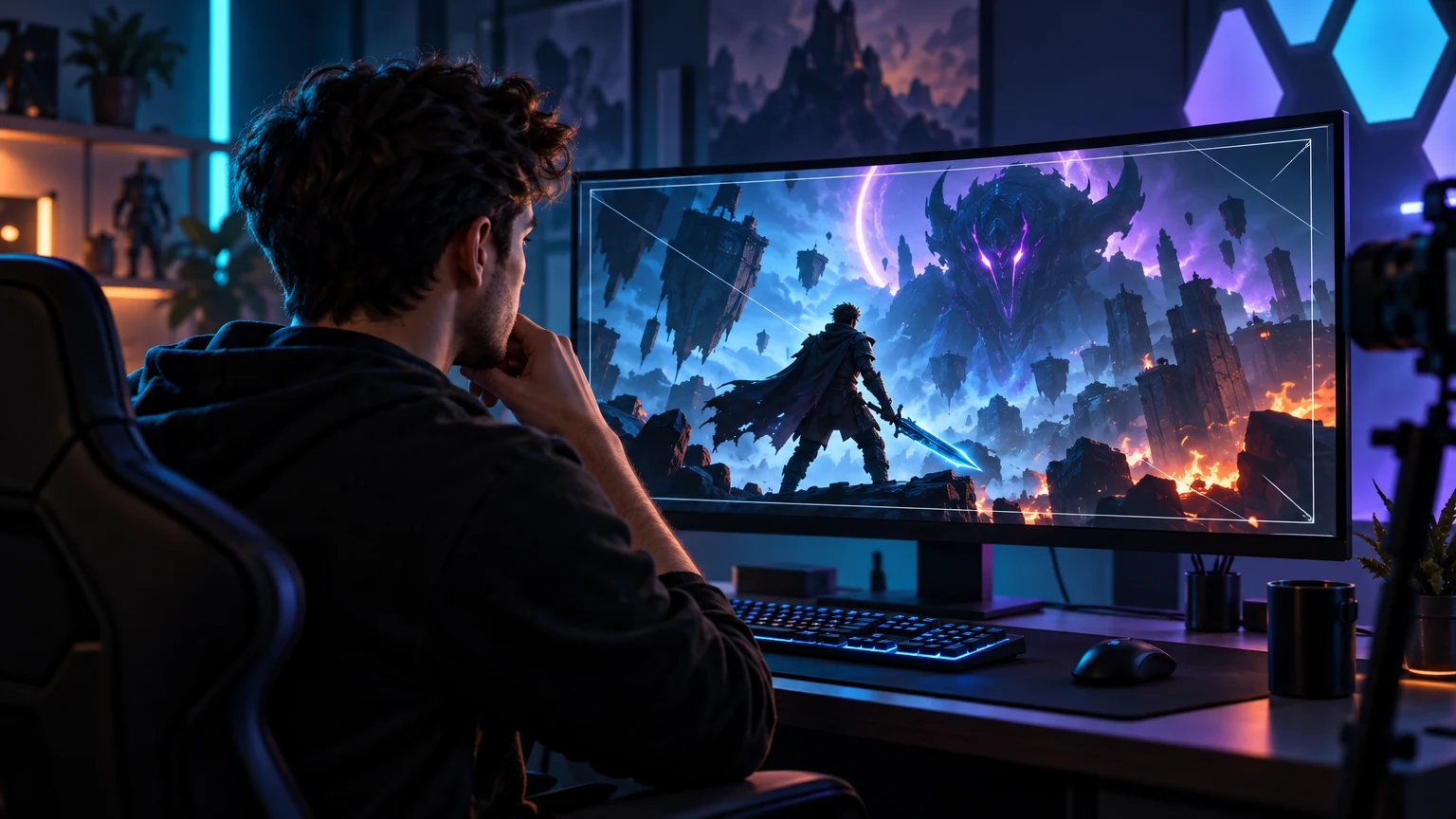
Gaming thumbnails often become cluttered because the source footage contains too many useful details. A thumbnail has a different job from gameplay. It needs to communicate the story quickly, so choose one focal subject: a character, boss, item, vehicle, map location, or player reaction.
Use scale to make the subject dominant. A close character pose can work when the emotion or action matters. A rare item can work when the discovery is the hook. A face-off can work when the conflict is clear. If you use two subjects, give the relationship a readable direction instead of placing several equal figures across the frame.
- Use one main character, object, or threat.
- Keep the focal subject large enough to recognize on mobile.
- Use a secondary subject only when it explains the conflict.
- Remove HUD elements and decorative details that do not support the hook.
Use color and lighting to show the stakes
Neon color is common in gaming design because it creates energy and separates shapes, but more glow does not automatically create a stronger thumbnail. Choose one dominant mood and one accent color. Let the brightest value point toward the boss, item, reaction, or consequence that matters.
Separate the subject from the game world with value, rim light, atmospheric depth, or a quieter background. If every surface has the same saturation and brightness, the frame loses hierarchy. A darker environment with one bright subject can feel more dramatic than a full canvas of equal neon.
- Use the brightest accent for the important gameplay signal.
- Keep the focal subject distinct from the environment.
- Use color to explain the mood, not to cover a weak composition.
- Check the design in grayscale to confirm that value separation still works.
Make the challenge readable without tiny UI
A health bar, minimap, inventory panel, or score can be useful in a video, but it rarely survives a small thumbnail. If the challenge depends on an interface detail, translate that detail into a larger visual cue: a damaged character, a nearly empty resource, a rare object, or a clear before-and-after.
Keep the visual language accurate to the actual upload. Do not add an item, boss, weapon, or result that does not appear in the video just because it looks more dramatic. Gaming viewers notice misleading details quickly, and a strong thumbnail should create anticipation rather than disappointment.
- Replace tiny interface information with a recognizable visual consequence.
- Show the actual challenge, opponent, discovery, or result.
- Use short text only when it adds stakes that the image cannot show.
- Avoid fake rewards, impossible combinations, and unsupported claims.
Choose a thumbnail angle for each gaming format
Challenge videos benefit from a visible rule and consequence: one life, no damage, impossible build, or a time limit. Guides benefit from a clear result or problem solved. Reviews can frame a decision, upgrade, or surprising tradeoff. Let’s plays and story videos often work better when they show a character reaction, location, or event that creates an open question.
The format gives you a starting point, but the upload should decide the final image. A guide does not need to look like every other guide, and a playthrough does not need a generic reaction face. Build a repeatable system around the story signals your audience expects, then keep the specific moment fresh.
- Challenge: show the rule, danger, or consequence.
- Guide: show the result, problem, or transformation.
- Review: show the purchase decision or tradeoff.
- Story or let’s play: show the character, place, or event that creates the question.
Run the mobile test before you publish
Open the thumbnail at a small recommendation-card size and look away for a moment. When you look back, the character, threat, and central question should appear quickly. If the first thing you see is a glow, border, or tiny headline, simplify the frame.
Compare the final image with the video title and the opening seconds. The combination should feel like one promise. Use the Analyzer to review contrast, hierarchy, and readability, then save the strongest visual decisions as a style direction for future uploads.
Put this guide into practice
Use these TubNexa tools and related guides to turn the idea into a clearer thumbnail decision.
- Explore gaming-ready thumbnail stylesBrowse visual starting points for high-energy gaming compositions.
- Generate a gaming thumbnail directionTurn the gameplay moment into a clearer visual hook.
- Review the small-card signalCheck whether the character, threat, and contrast survive at feed size.