
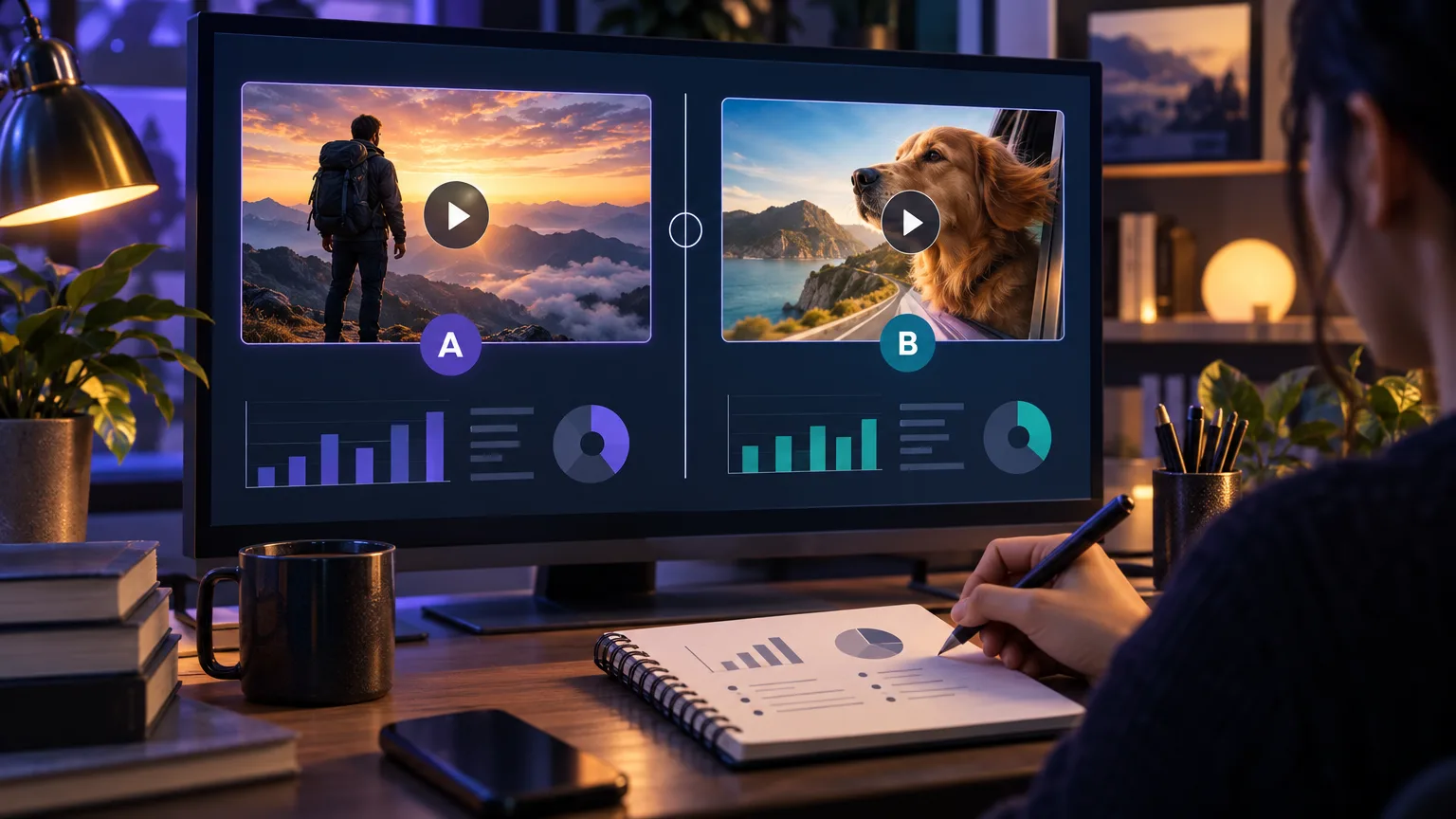
Define the question before changing the image
A thumbnail test is useful when it answers a specific question. Are viewers missing the subject? Is the promise too vague? Does the design disappear beside competing recommendations? Write the suspected problem down before making a second version so the result can teach you something beyond which image received more clicks.
Keep the video, title, audience, and publishing context as comparable as possible. If the title changes at the same time as the thumbnail, you may see a different outcome without knowing which change mattered. A clean question makes the next test easier to plan.
- Name one problem the original thumbnail may have.
- Choose one primary variable: subject, promise, contrast, or composition.
- Decide what evidence would count as a meaningful improvement before looking at results.
Change one meaningful variable
The most readable A/B test changes one major signal while preserving the rest. You might keep the same subject and test a clearer background, or keep the composition and test a more specific promise. Two completely different images can still be worth comparing, but the result becomes less useful as a design lesson.
Avoid treating tiny color nudges or a different shadow as a new strategy unless the original problem is genuinely subtle. If the viewer cannot tell what the video is about, test the subject and promise first. If the idea is clear but the frame disappears, test separation and scale.
Give the comparison enough context
Early numbers are noisy. Impressions arrive from different surfaces, audiences, and moments in a video’s life. A thumbnail shown during an initial burst of interest is not automatically comparable with one shown after the audience has changed. Record the date range, traffic context, impressions, and the thumbnail version rather than saving only a percentage.
There is no universal sample size or winning threshold that applies to every channel. A smaller channel may need more time to collect a directional signal, while a large launch can reveal a pattern quickly but still be affected by topic and audience mix. Use cautious language such as “this version performed better in this test window,” not “this design always wins.”
- Track impressions alongside clicks and click-through rate.
- Note unusual traffic sources, launches, collaborations, or topic differences.
- Wait for a stable comparison window instead of reacting to the first few hours.
Interpret the result without overstating it
A higher click-through rate is useful, but it is not the whole viewer experience. Check whether the stronger thumbnail also brings viewers who stay, watch, and understand what they clicked. A dramatic image can attract a click while creating a mismatch that hurts satisfaction and retention.
Treat the result as evidence for the next question. If a clearer subject helped, test another subject-led variation on a related upload. If a promise-led version worked, document the wording pattern and look for where it may fit naturally. A test becomes a channel system when the lesson can be applied again without copying the same frame.
Keep an experiment log
A simple log prevents memory from turning one result into a rule. Save the two thumbnails, the question, the audience context, the test window, the outcome, and what you would change next. After several uploads, patterns become easier to separate from one-off topic effects.
Use the analyzer as a pre-publish checkpoint for both candidates. It can surface obvious hierarchy or mobile-readability differences before you spend a test window learning something your eyes could have caught in advance.
Put this guide into practice
Use these TubNexa tools and related guides to turn the idea into a clearer thumbnail decision.
- Analyze both test candidatesFind clarity and mobile issues before an experiment begins.
- Build a focused test variationTurn one experiment question into a controlled visual direction.
- Read the CTR guideConnect thumbnail testing with honest curiosity and viewer trust.